Ensure you always receive, and notice, Trade Alert Email notifications on your Android.
- Open the Email app on your Android
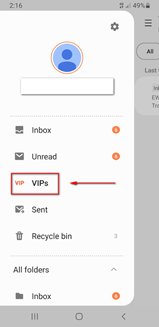
- Navigate to the Mailbox name in the top left hand corner of your screen
- Select the ‘VIPs’ folder
- Press the + button to add a new VIP contact
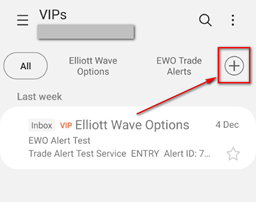
- Add alerts@ewotrader.com to your VIP contacts.
- Navigate to the Settings menu
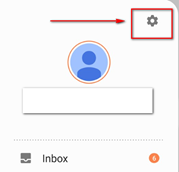
- Select Notifications
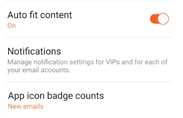
- New Email from VIP’s
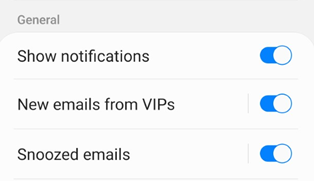
- Set your desired Notification preferences
