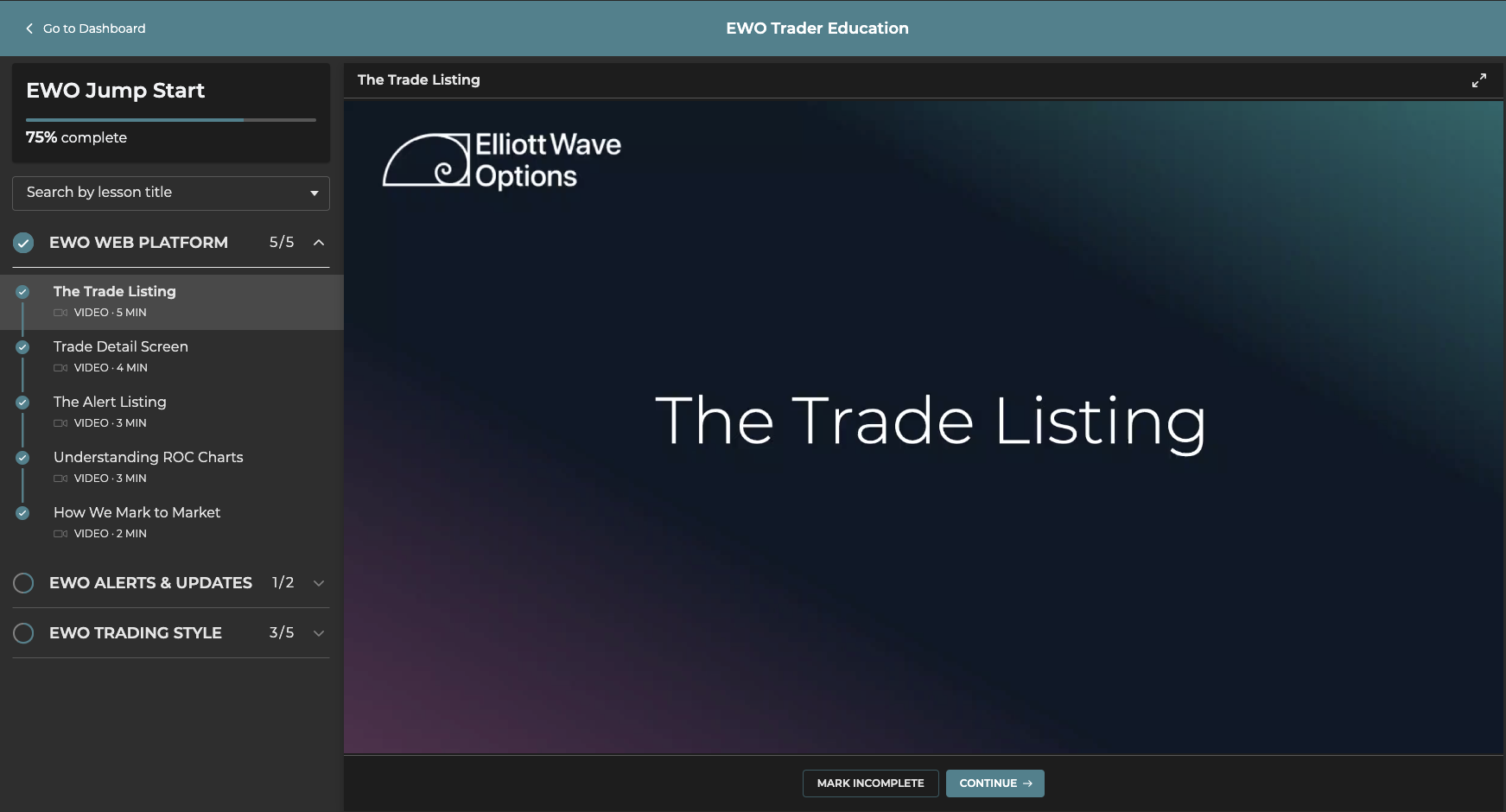
Created to get you started as an EWO subscriber, EWO JumpStart lessons not only familiarize you with our platform and alerts, but also our trading style and philosophy!
Our advice to new EWO subscribers is to complete EWO JumpStart lessons first. Access EWO JumpStart lessons by following the process below
- Log in to EWOTrader.com using your Email Address and Password
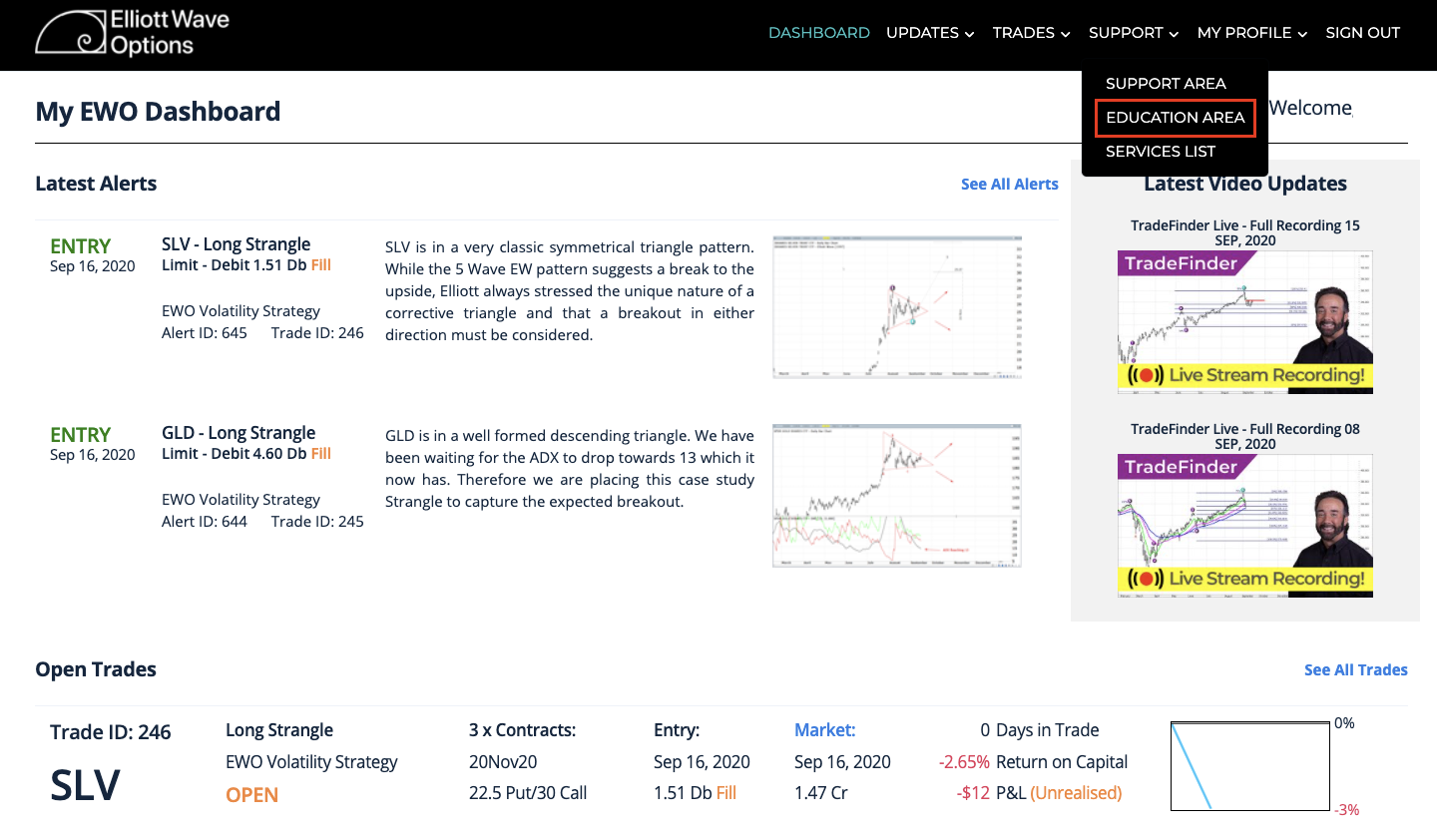
- Navigate to the "SUPPORT" drop down menu option in the top right corner and select "EDUCATION AREA".
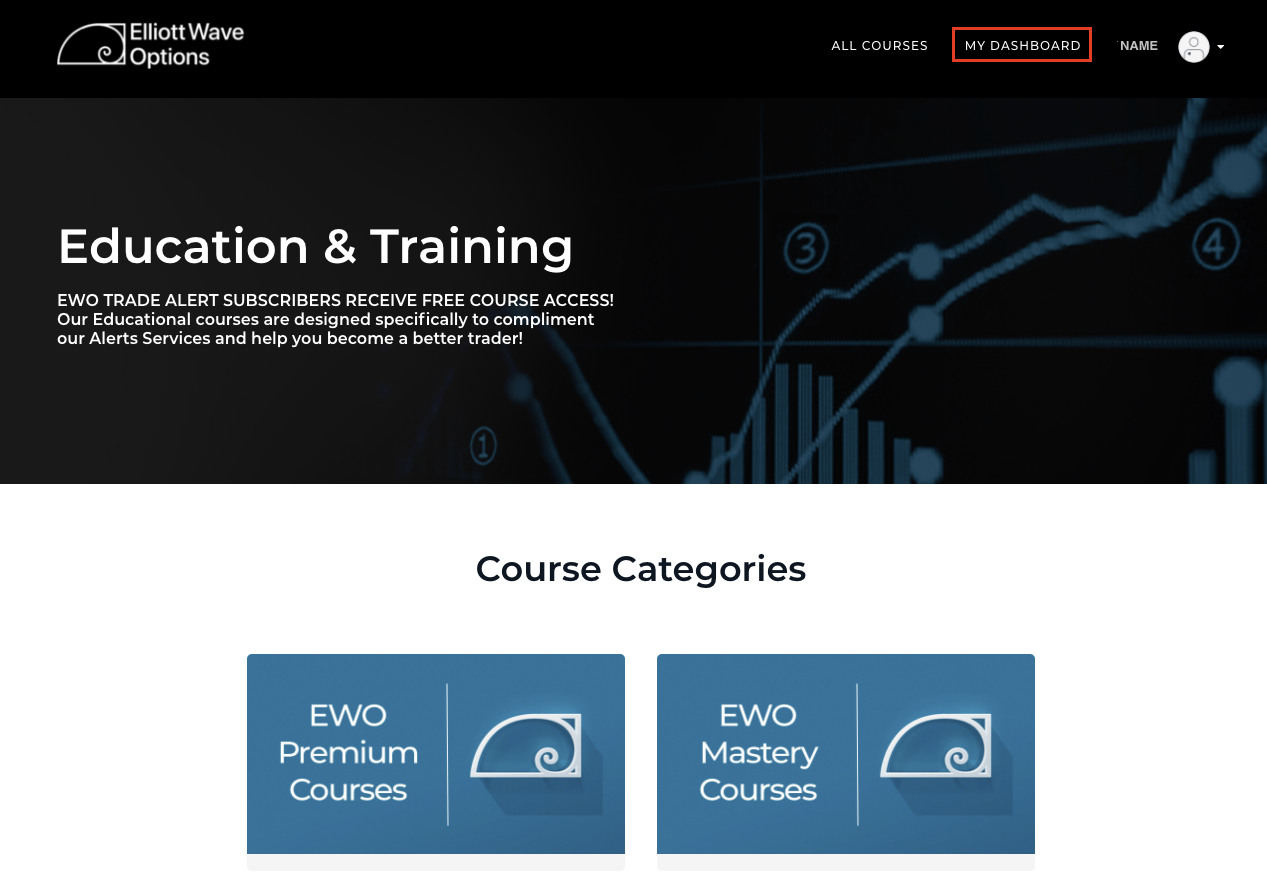
- Select the "MY DASHBOARD" menu option in the top right corner of the page
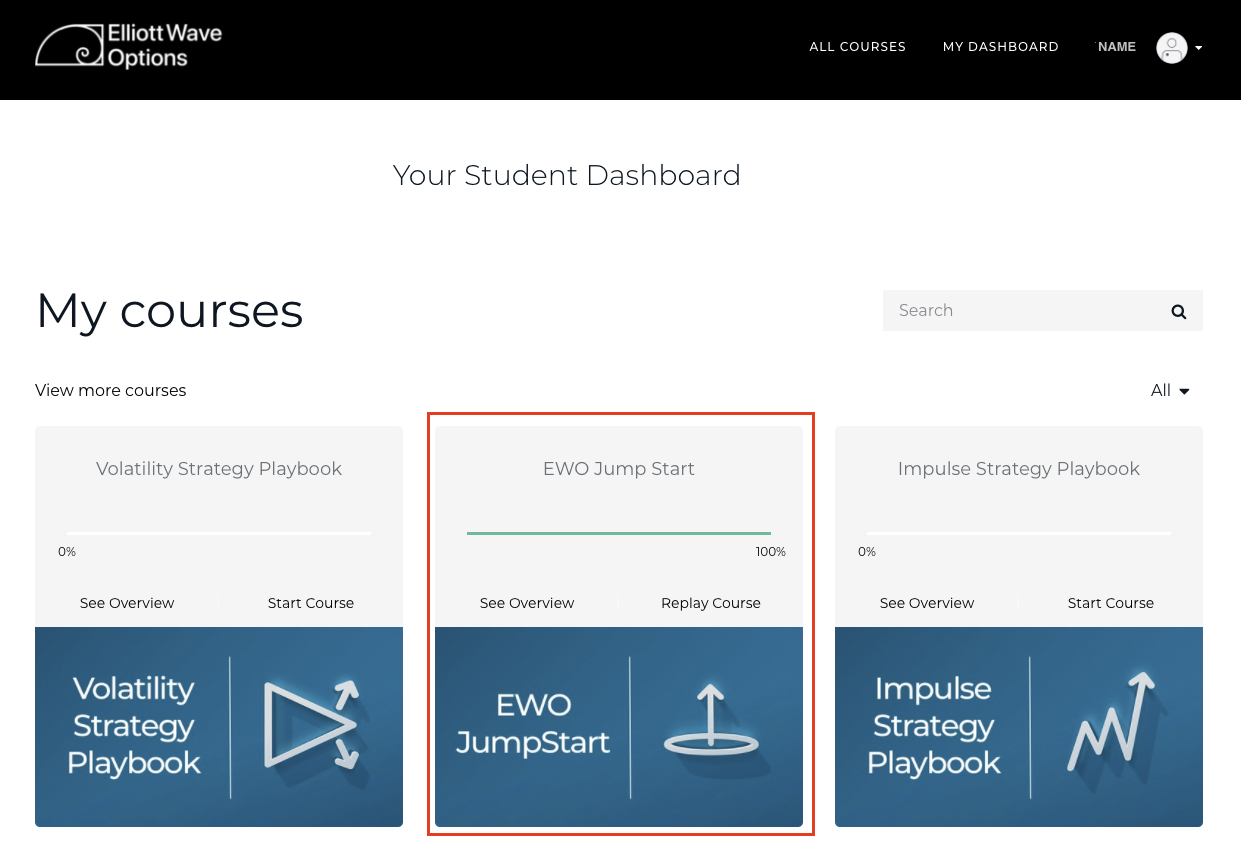
- Select the "EWO Jump Start" tile to begin the course
- You should see a video begin to play for your first Lesson titled "The Trade Listing"
This is the first video lesson of a total of 12 video lessons that make up the EWO JumpStart course