Mail systems attempt to control the amount of spam you receive by filtering out mail from unknown senders.
Occasionally this may result in mail that you wish to receive being blocked.
We employ a number of methods and processes to ensure that you receive our notifications, however, this may sometimes not be enough.
In these cases, the mail may be routed to your Junk mail, or Spam box.
If this occurs, there are a number of actions that you can take to inform your mail provider that you do indeed wish to receive this mail.
The most efficient way of doing so is to add us to your 'Safe Senders' list.
Outlook 2010 and greater
Open your mail program and select your Junk mail box. In the Home menu, click Junk > Never Block Sender (or even better, select to 'Never block senders domain')

Gmail
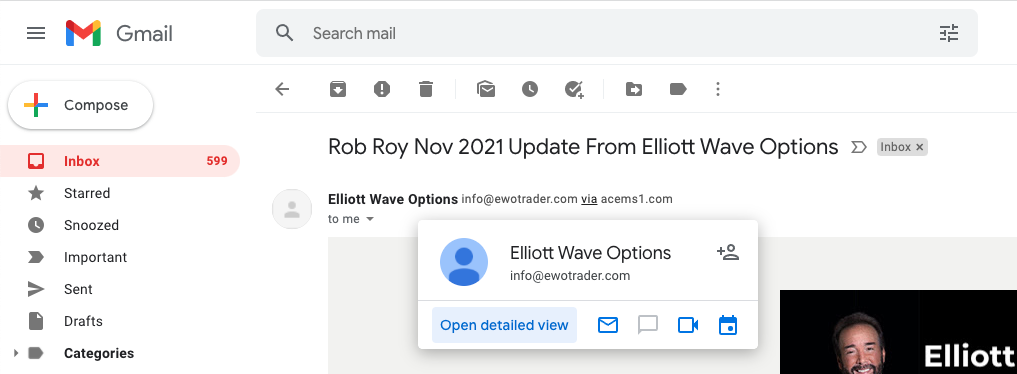
We maintain a high mail sender rating with Google, but in the case that our messages are routed to Spam, the best way to ensure you receive our notifications is to add us to your contact list.
Hover over the sender address (Elliott Wave Options) and click 'Add to Contacts'
Other programs
There are a number of other email providers and adding us to your safe sender, or contacts list will vary between each however same base methodology should be able to be employed for each.
If you are having difficulty then either head over to your providers website and search for 'add contact' or shoot us through an email at support@ewotrader.com and we will be more than happy to assist.